Do You Need a Subscription for Blink Outdoor Cameras? The Real Answer
Blink's subscription rules aren't what most buyers assume. Here's what actually works free, what doesn't, and whether the paid plan earns its keep.
ReviewHubNow Editorial Team
ReviewHubNow Editorial Team
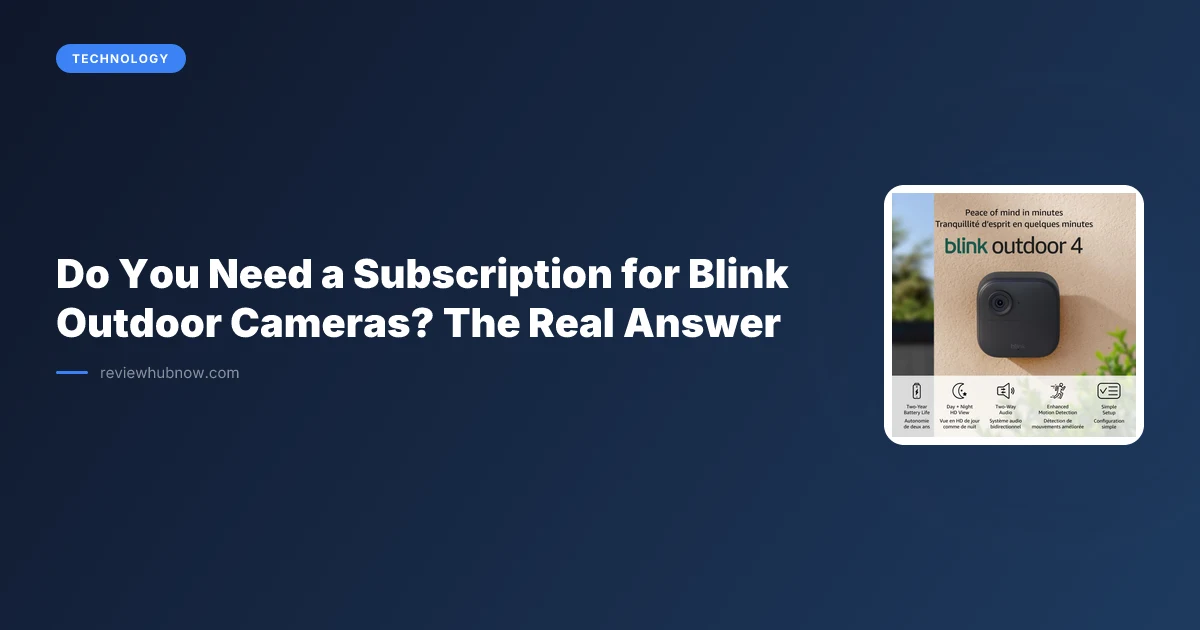
Ask around and you'll get the same answer every time: Blink cameras are a subscription trap. Buy the hardware, get locked into a monthly fee, or the thing turns into an expensive paperweight. That's the story most people walk into a Blink purchase believing.
It is mostly wrong, and the parts that hold up are more nuanced than the panic suggests. Here are the claims worth examining, one at a time.
Myth 1: The camera won't work at all without a subscription
The big one, and it is false. A Blink Outdoor camera, including the current Outdoor 4 model, functions with nothing spent on a plan. Live view works. Motion detection works. Push notifications when someone walks up your driveway work. None of that requires a credit card.
What you lose without either a subscription or local storage is saving and replaying clips afterwards. The camera detects motion, alerts you and shows live footage in the moment, and if you miss it live, that clip exists nowhere to retrieve later. That is a genuine limitation. It is also a different sentence from the camera will not work, and most discussion online conflates the two.
Myth 2: No subscription means no stored footage, period
Also false, and this is the part most buyers never find out until after they've already paid for a plan they didn't need. Blink sells a Sync Module 2, which accepts a USB flash drive. Plug one in and your cameras store clips locally on that drive, with no subscription, no monthly fee and no cloud dependency.
It is not flashy, and you give up the polish of scrolling a cloud timeline in the app. For a homeowner who wants proof on file when a package disappears or a car gets keyed, local storage does the job, and a modest drive holds a substantial amount of standard-resolution clip footage before it begins overwriting the oldest recordings.
Anyone whose whole reason for choosing Blink is avoiding a recurring fee wants this configuration, and it is why Blink appears on lists of cameras without a monthly subscription. It is one of the few outdoor lines offering a genuine no-fee path with real local storage rather than a restricted trial mode.
Myth 3: The subscription is just paying for storage you can get free anyway
This is where the scam framing overreaches. If the paid plan only moved clips from a USB stick to the cloud, skipping it would be the obvious call every time. It does more than duplicate the Sync Module.
A subscription brings more selective person detection, which means fewer alerts for a swaying branch and more for an actual person. Clip lengths run longer than the short default. Notifications arrive with a snapshot preview rather than generic text. And cloud backup survives theft of the camera or the Sync Module, which local storage by definition cannot, since the thief carries the evidence away with the hardware.
Pricing runs a few dollars monthly per camera, with a whole-home tier covering unlimited cameras at one address. For a single camera on a front door the per-camera rate is reasonable. For a property running four or five, the whole-home plan is the only version that makes financial sense, and paying per camera at that scale is how people end up feeling gouged.
Myth 4: All the plans and setups are basically interchangeable
They are not, and the differences are where people get caught out. Running purely on local Sync Module storage, running a subscription with no local backup, and running both together produce genuinely different outcomes.
The most robust configuration is the third: a Sync Module with a USB drive as the baseline, and the subscription added on top when you want smarter detection and cloud redundancy. That combination leaves you a fallback if the subscription lapses and cloud protection if the hardware disappears. Subscription-only with no local drive means a camera thief also removes your recent history the moment they pull it off the wall, which undercuts the purpose of the camera.
So do you need the subscription?
Not to make the camera work. You need it for reliable clip storage if you would rather not buy a USB drive, and it adds meaningfully better detection and notification quality beyond storage. Whether that is worth paying for depends on how many cameras you run and how much you value quieter, smarter alerts.
One or two cameras on a front entry point to starting with the Sync Module and a drive, skipping the plan, and adding it later only if false alerts become tiresome. A full property setup justifies the whole-home plan on reduced notification noise alone, which anyone whose camera has pinged them fifteen times because a moth found the porch light will recognise as a real benefit. Our guide to running several cameras on one property covers how this arithmetic changes at scale.
Editor's Pick
Affiliate link. We may earn a commission if you buy through it, at no extra cost to you.

More from Our Editors
Hook-On High Chair vs High Chair for Small Apartment
By ReviewHubNow Editorial Team
Robot Vacuum Mop or Wet Dry Vacuum for Hard Floors?
By ReviewHubNow Editorial Team
Does Noise Cancelling Work for Office Chatter?
By ReviewHubNow Editorial Team