Best Wireless Security Cameras With No Monthly Subscription (2026)
Before you spend money on a wireless security camera, know that most of them quietly push you toward a subscription. Here's how to buy one that doesn't.
ReviewHubNow Editorial Team
ReviewHubNow Editorial Team
Before you spend money on a wireless security camera, here's what you need to know: the camera is rarely the product. The subscription is. Manufacturers sell the hardware near cost, sometimes at a loss, because the real business is a monthly cloud storage fee you pay indefinitely. That framing explains the category, including why cameras that look identical on a shelf carry wildly different long-term costs.
The encouraging news is that subscription-free no longer means feature-free. That was a fair description a few years ago and it is out of date now. Our installation guide covers placement and battery planning; this piece covers the money.
What does no monthly subscription actually mean?
Three different arrangements hide behind that phrase, and they are not equivalent.
- Local storage via microSD card. Footage saves on the camera itself. No cloud and no fee, with the obvious weakness that stealing the camera steals the evidence.
- Local storage via hub or NVR. A base station indoors stores footage from several cameras. More robust, better suited to multi-camera setups, and the recording survives the camera being damaged or taken.
- Free cloud tier with paid upgrades. This is the one to watch. No subscription required often means a free tier holding roughly a day of clips with delayed alerts, which is technically accurate and useless when you need footage from three days ago.
Check retention length before anything else. A subscription-free camera that keeps twelve hours of clips is not saving you money, it is failing quietly rather than charging you.
Which specs matter, and which are marketing?
Resolution above 1080p is mostly wasted. Sharper sensors exist and the footage does look better, but identifying a face or a plate at twenty feet depends more on the sensor and night vision than on pixel count, and 1080p with good low-light performance beats 4K with a mediocre illuminator. Compare field of view and night performance rather than paying for resolution alone.
Battery claims assume a quiet camera. Multi-year figures come from testing in low-traffic conditions. A camera facing a street or driveway sees far more motion events, and each one wakes the sensor, so real runtime lands well short of the box. Cold weather compounds it, since lithium cells lose capacity below freezing. Solar add-ons genuinely help when the camera gets consistent sun.
Person detection is the biggest daily difference. Generic motion detection alerts on every shadow and blowing leaf, which trains you to ignore your own notifications. On-device person, vehicle and package detection cuts false alerts sharply. This is where cheap cameras economise: the analysis either runs in the cloud, meaning it degrades or disappears on the free tier, or it runs on the device, which costs more to build and keeps working without a subscription.
App quality decides whether you keep using it. Excellent sensors paired with a sluggish app produce a camera you stop checking within a few months. A live feed that takes many seconds to load is the most common reason good hardware ends up ignored.
How much should you spend per camera?
At the bottom of the market you are generally buying compromised night vision, weaker encryption and apps the manufacturer abandons within a couple of years. That last point deserves more weight than it usually gets, because a camera that stops receiving firmware updates becomes a growing security hole sitting on your home network with a view of your front door.
The mid range is where the value sits: reliable local storage, competent night vision, genuine person detection, and manufacturers still shipping updates. Above that, the premium generally buys higher resolution and brand rather than functional improvement.
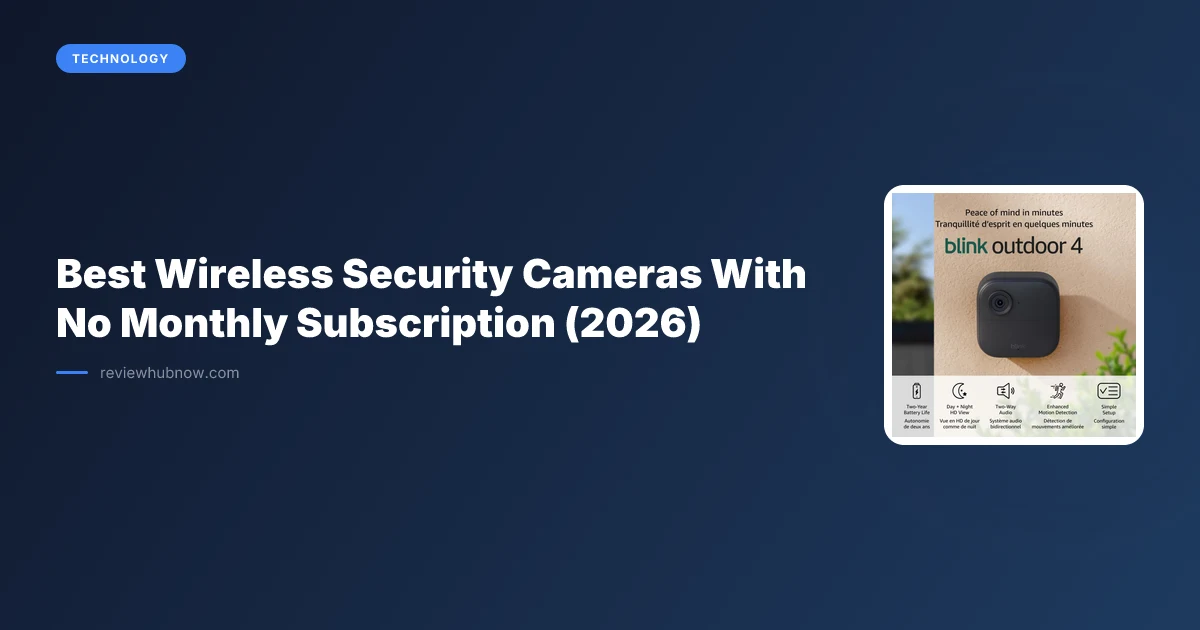
Blink's Outdoor 4 occupies a useful position here. Its default cloud plan pushes a subscription, and pairing it with a Sync Module gives you local USB storage with no recurring fee, decent battery life and dependable person detection. It is not the best camera available. It is one of the better subscription-free options when configured correctly, which is a different claim and worth understanding before buying. Our Blink and Ring comparison goes through the subscription structures in detail.
What should you avoid?
Avoid cameras where local storage is promised in a firmware update that has not shipped, because coming-soon storage has a poor record of arriving. Avoid anything without current encryption standards, which is baseline hygiene rather than a premium feature on a device watching your entrance.
Be cautious with unbranded marketplace cameras that have no clear privacy policy or accountable company behind them. This segment has a documented history of exposed footage through misconfigured cloud storage, which defeats the reason you wanted local recording in the first place.
Which setup fits your property?
One or two cameras covering a door and driveway call for reliable local SD storage, genuine person detection, and a battery schedule you will actually keep. Buy in the mid range and skip the resolution upsell.
Four or more cameras across a property justify a hub-based system despite the higher upfront cost, because managing several separate SD cards becomes a chore while a single recorder does not.
A very tight budget buys a notification system rather than a security system. That is a legitimate purchase for some situations, provided you do not expect court-usable footage or dependable night detection from it.
The subscription-free promise is genuine now, since the technology caught up to the claim. Just remember that no monthly fee and good camera are separate boxes to tick, and the mistake is trading one for the other without noticing.
Editor's Pick
Affiliate link. We may earn a commission if you buy through it, at no extra cost to you.

More from Our Editors
Hook-On High Chair vs High Chair for Small Apartment
By ReviewHubNow Editorial Team
Robot Vacuum Mop or Wet Dry Vacuum for Hard Floors?
By ReviewHubNow Editorial Team
Does Noise Cancelling Work for Office Chatter?
By ReviewHubNow Editorial Team