The Best Kindle in 2026: All 4 Models Compared
Base, Paperwhite, Signature, Colorsoft — we reviewed every current Kindle; here is the honest tier map.
We may earn a commission from links on this page, at no extra cost to you. See our affiliate disclosure.
Most people should buy the Kindle Paperwhite: the 7-inch screen, waterproofing, and warm light cover every common reading habit, and its owner satisfaction leads the line. Budget buyers lose surprisingly little with the 2024 base Kindle — the refresh closed the sharpness and speed gaps. The Signature Edition adds comfort (auto-light, wireless charging, no ads), not a better book; and the Colorsoft is for comics, cookbooks, and highlighters only — color E Ink is real but muted, and prose readers should skip it.
Amazon Kindle Paperwhite 16GB E-Reader
The default answer — 7-inch screen, waterproof, warm light, fastest turns.

check_circle Pros
- +The best mainstream reading canvas
- +Waterproofing that changes habits
- +Warm light done right
cancel Cons
- −The base Kindle ate its lunch from below
- −Ads unless you pay more
Key Specs
- Display
- 7" E Ink, 300 ppi
- Waterproofing
- IPX8
- Warm light
- Adjustable amber
Buy it when you read most days, at night, or anywhere near water. Its three advantages over the base model — size, IPX8, warm light — map to real habits, and nothing in the line reads better per dollar at this tier.
Amazon Kindle (2024) 16GB E-Reader
The 2024 refresh closed the gap — most of the Paperwhite for clearly less.

check_circle Pros
- +The full Kindle experience at the floor price
- +2024 speed bump is felt, not marketed
- +Genuinely pocketable
cancel Cons
- −No waterproofing
- −No warm light for night reading
Key Specs
- Display
- 6" glare-free E Ink, 300 ppi
- Front light
- Brighter than prior base models
- Storage
- 16GB
The right call for commuters, couch readers, and first e-readers. You give up waterproofing, warm light, and an inch of screen; you keep the sharpness, speed, and weeks of battery that matter daily.
Amazon Kindle Paperwhite Signature Edition 32GB
Same reading as the Paperwhite plus auto-light, Qi charging, 32GB, no ads.

check_circle Pros
- +Frictionless by design
- +The full Paperwhite underneath
- +Ad-free included, not extra
cancel Cons
- −Zero reading-experience gain
- −Priciest standard-line Kindle
Key Specs
- Reading hardware
- Same as Paperwhite
- Storage
- 32GB
- Auto-adjusting light
- Ambient sensor
For friction-averse daily readers and audiobook collectors. Remember the honest math: fold the ad-removal fee into the comparison, and the true gap to the standard Paperwhite shrinks — but the book itself never improves.
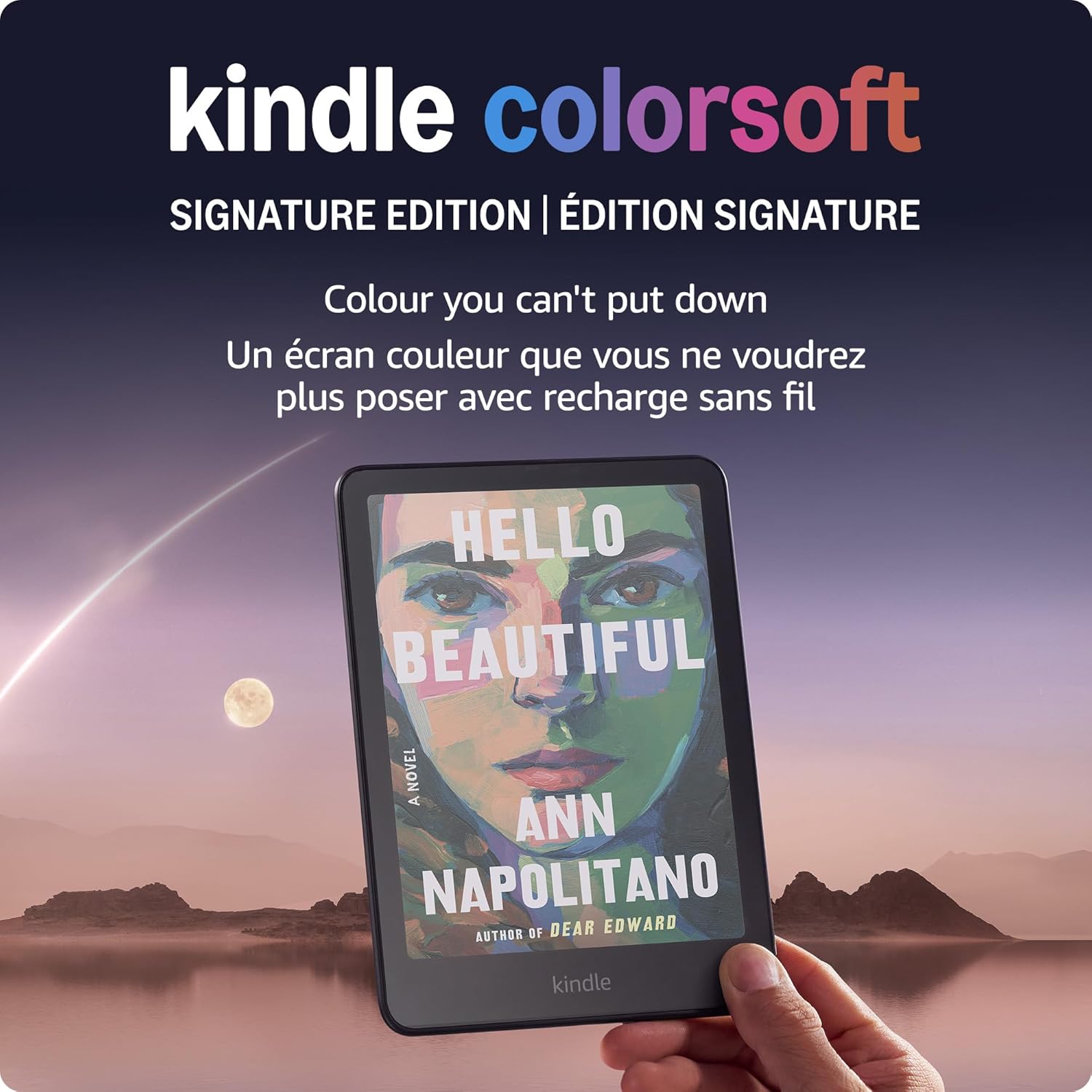
Amazon Kindle Colorsoft Signature Edition 32GB
The only color Kindle — muted print-like color that visual libraries genuinely need.
check_circle Pros
- +The only Kindle for visual libraries
- +Color-coded highlighting
- +Full flagship body
cancel Cons
- −Muted color is the technology's ceiling
- −Costs contrast on plain text
Key Specs
- Display
- 7" color E Ink
- Color character
- Muted, reflective
- Monochrome contrast
- Slightly below Paperwhite
Buy it for manga, cookbooks, children's books, and color-coded highlighting. Skip it for novels: color E Ink costs a little text contrast and a lot of money for pages that stay black and white anyway.
Frequently Asked Questions
Which Kindle should I buy in 2026?
The Paperwhite for most people — its screen size, waterproofing, and warm light cover nearly every reading habit at the line's best value-per-feature. Step down to the base Kindle to save money on couch and commute reading, up to Signature for comfort features, or sideways to Colorsoft only for visual content.
Is the Kindle Paperwhite worth it over the base Kindle?
Only if your habits use its three real advantages: bath, pool, or beach reading (IPX8), lights-off night reading (warm light), and long daily sessions (bigger page). The 2024 base refresh matched its sharpness class and most of its speed — indoor casual readers can keep the difference.
What does the Paperwhite Signature Edition add?
Four conveniences: 32GB storage, an auto-adjusting front light, Qi wireless charging, and an ad-free lockscreen included. The reading hardware is identical to the standard Paperwhite — treat it as a comfort package priced at the top of the standard line.
Is the Kindle Colorsoft good for regular books?
It reads prose fine, but that's not what you'd be paying for: the color filter slightly softens text contrast versus the Paperwhite, and novels stay monochrome anyway. Its case rests entirely on comics, manga, cookbooks, and color highlighting.
Do all Kindles show ads?
The cheaper configurations of the base Kindle, Paperwhite, and Colorsoft standard tiers show lockscreen ads — never inside books — with a paid removal option. The Signature Editions include ad-free lockscreens, which honest price comparisons should credit.